
One write path, from one workstation.
Documents enter Lectern only when someone publishes them from the founder's workstation. The reader app has no way in. That single door is what makes "exactly as published" something Lectern can promise.
Two tools, one admin API.
A command-line publishing tool and an MCP server are thin wrappers over the same admin API, which is gated by an admin key and reachable from the workstation. The two cannot drift apart, because they share one code path.
Render and hash
The document is rendered where needed, and every rendition is hashed with SHA-256.
Store
Content goes to a private, encrypted bucket under a key made from its own hash. Nothing is overwritten.
Register
A new version row is added to the append-only registry. If the bytes are unchanged, nothing happens at all.
Thumbnail and index
Hero thumbnails are captured in light and dark, and the assistant's index is refreshed for what changed.
A document is a folder of renditions.
A published document can carry its Markdown source, a self-contained HTML page, a PDF, and a hero image, and Lectern imports them as one document with every rendition attached. HTML artifacts and PDFs are kept and served byte for byte. Markdown is rendered into Lectern's document template with inlined styles, highlighted code, embedded images, and Mermaid diagrams, so a page makes no external requests when it is opened.
| Action | What it does | What it never does |
|---|---|---|
| Publish again | Adds a version when the content changed. | Overwrites an earlier version. |
| Roll back | Points the current version at an earlier one. | Deletes the newer version. |
| Retire | Removes the document from the catalog and search. | Deletes it. An admin can restore it. |
| Sync a source | Publishes what changed and reports the rest unchanged. | Retires a document on its own. |
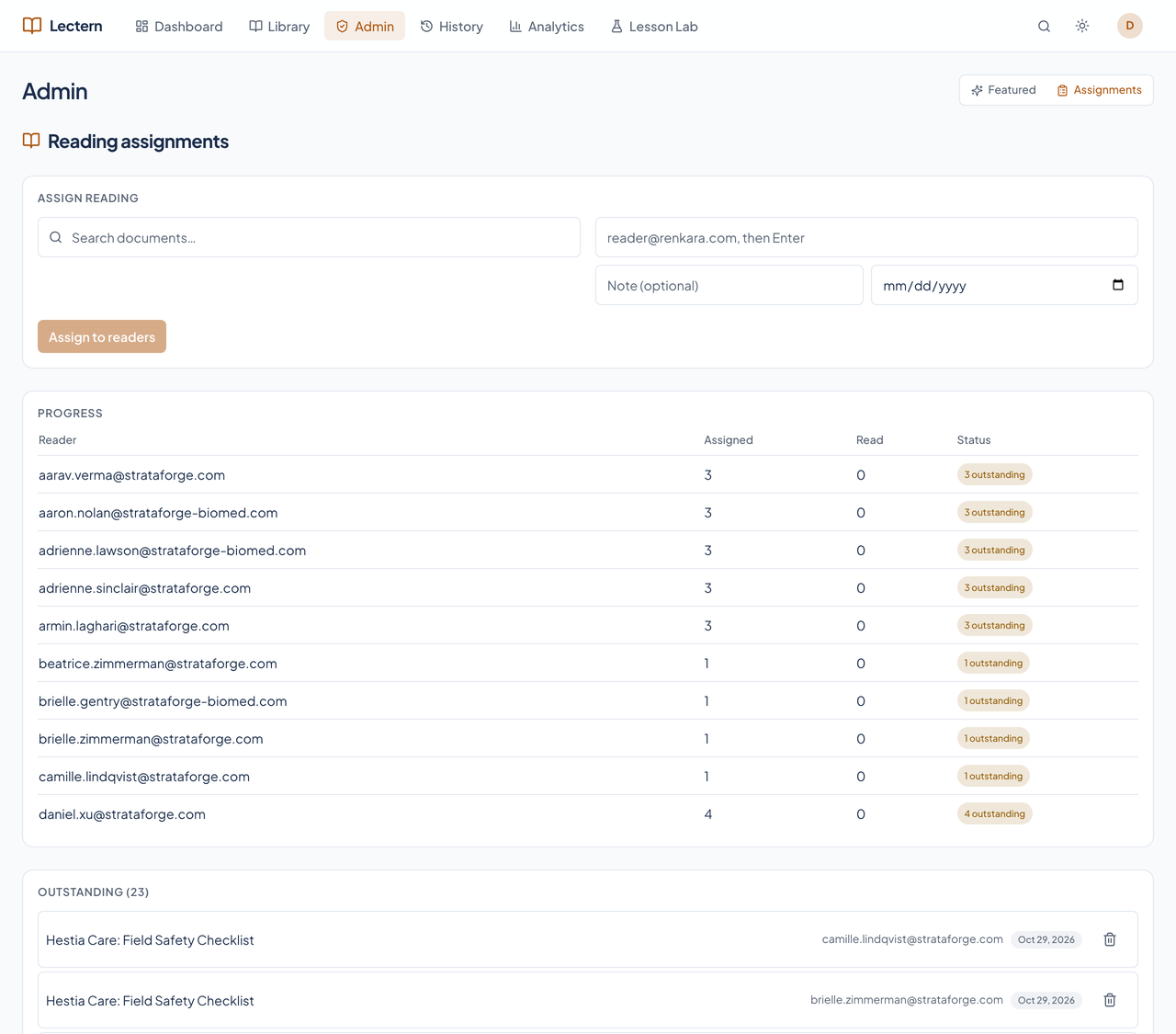
Admins pick what is featured and who reads what.
Featuring and assigning are curation, not content: an admin signed in to the app can choose and order the featured documents and assign reading, and neither action touches a document's bytes.

A scheduled sync keeps production fresh.
Because nothing publishes from the reader, a scheduled job on the workstation re-runs the sync each day from the documentation repository's committed main branch. It exports that commit into a folder of its own, so unpushed work elsewhere can neither block it nor reach production. It only adds and updates, never retires a document, and posts to Chirp if it fails.