
A dashboard, a library, and a viewer that tells the truth.
Readers open Lectern to read finished documents, exactly as they were published. This page walks through what a reader sees, and the few things a reader can change.

Three rows, and nothing else to wade through.
The dashboard is the first page a reader sees: documents the admins featured, the last ten you opened, and anything assigned to you to read. The whole catalog is one click away in the library.
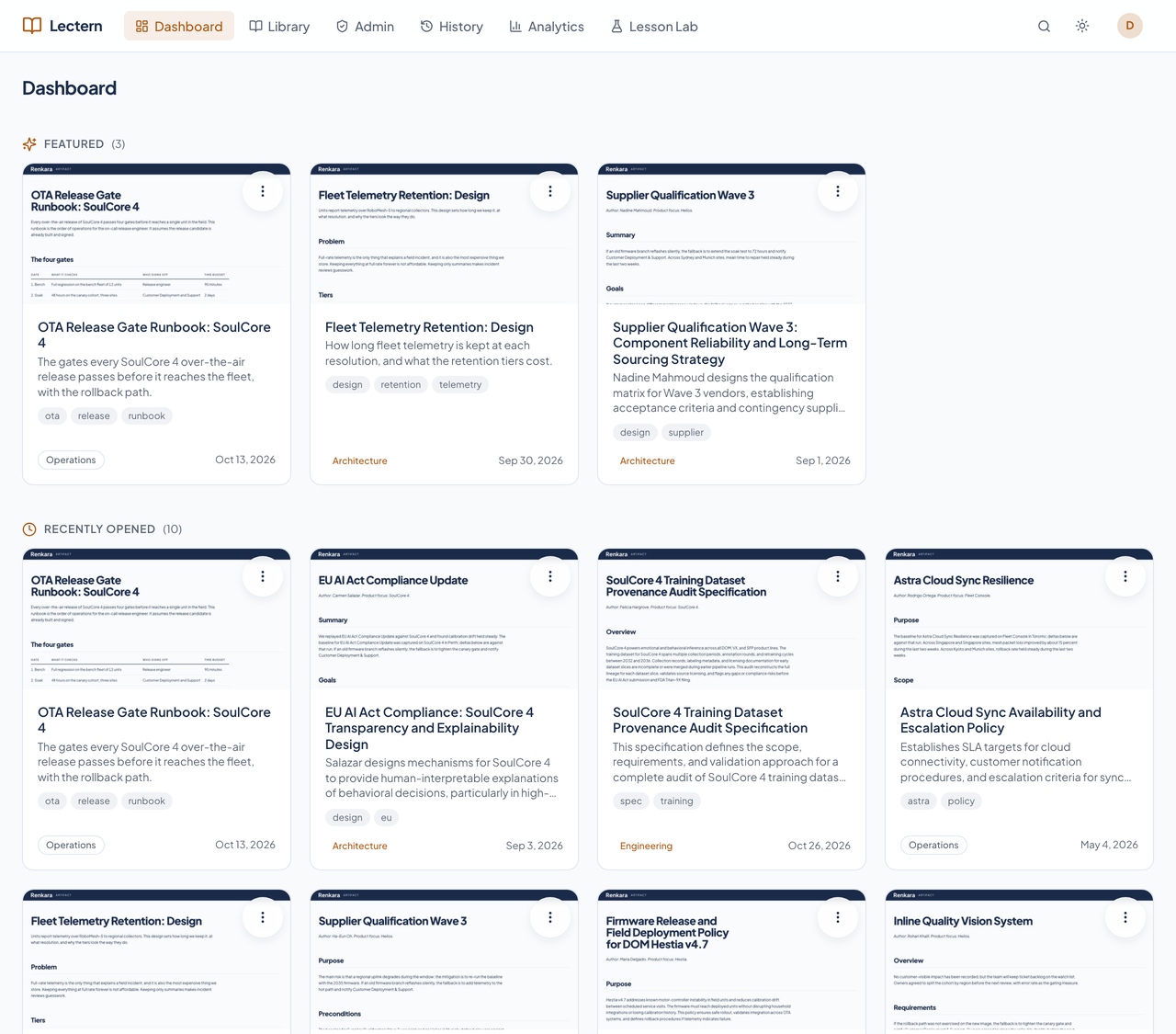
- Recently opened is yours to tidy
- The list comes from your own reads. Remove a card from the card menu and it stays gone until you open that document again. Removing it hides it from your list only; the audit log still has the read.
- Assigned reading
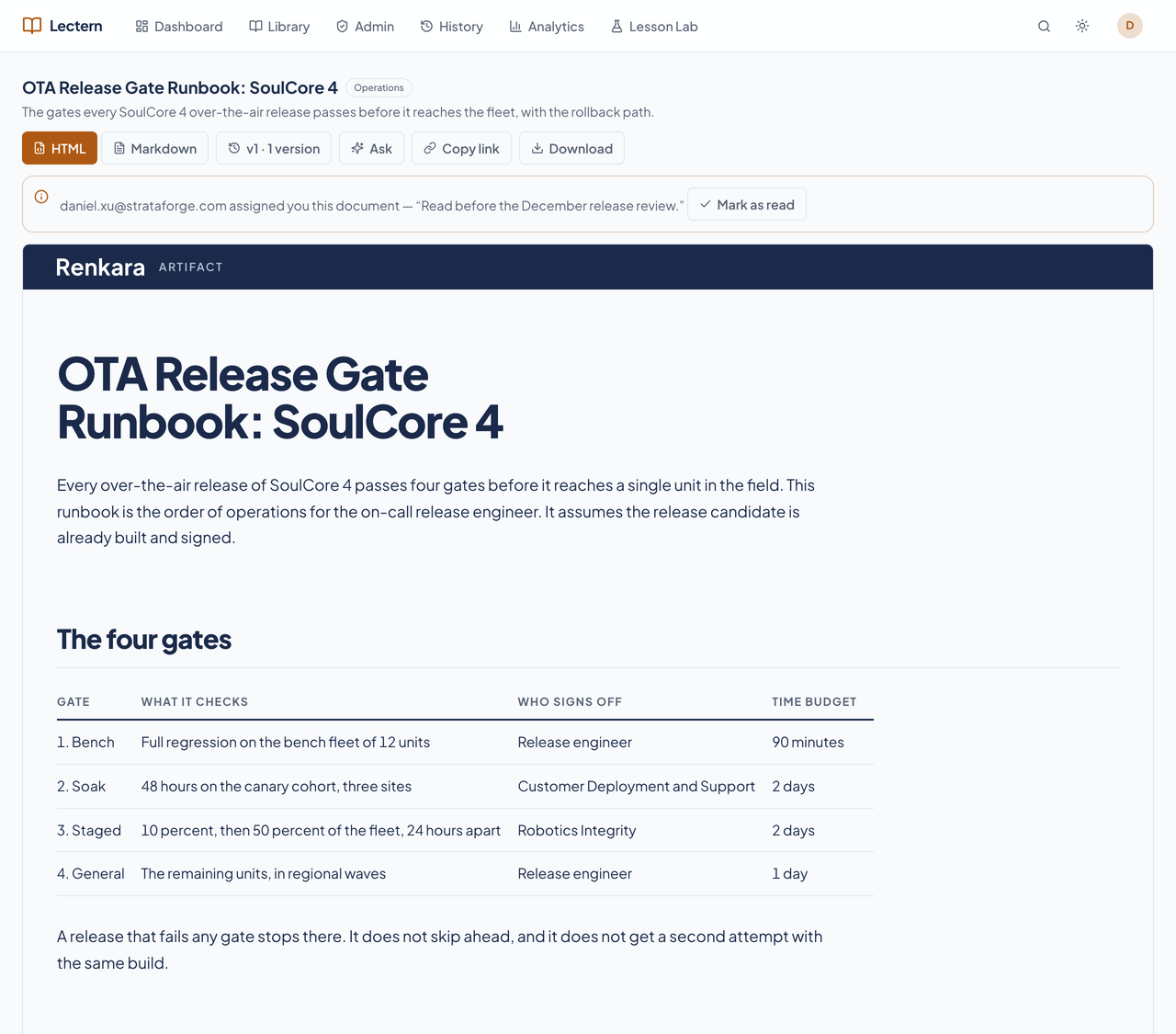
- When an admin assigns you a document, it shows on the dashboard and as a banner on the document, with a Mark as read button. Marking it read is your own state, not an edit to the document.
Browse by shelf, filter by subject.
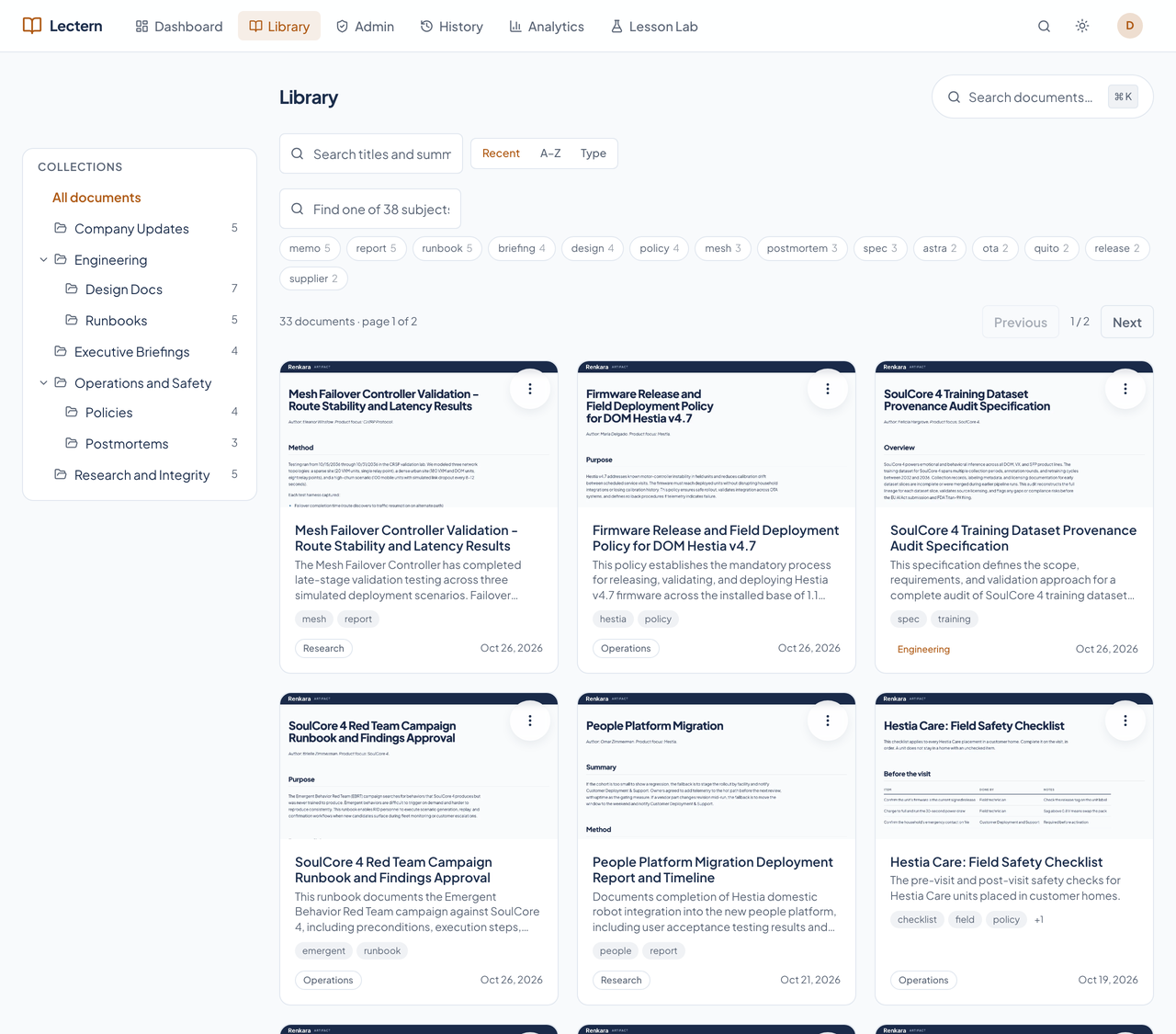
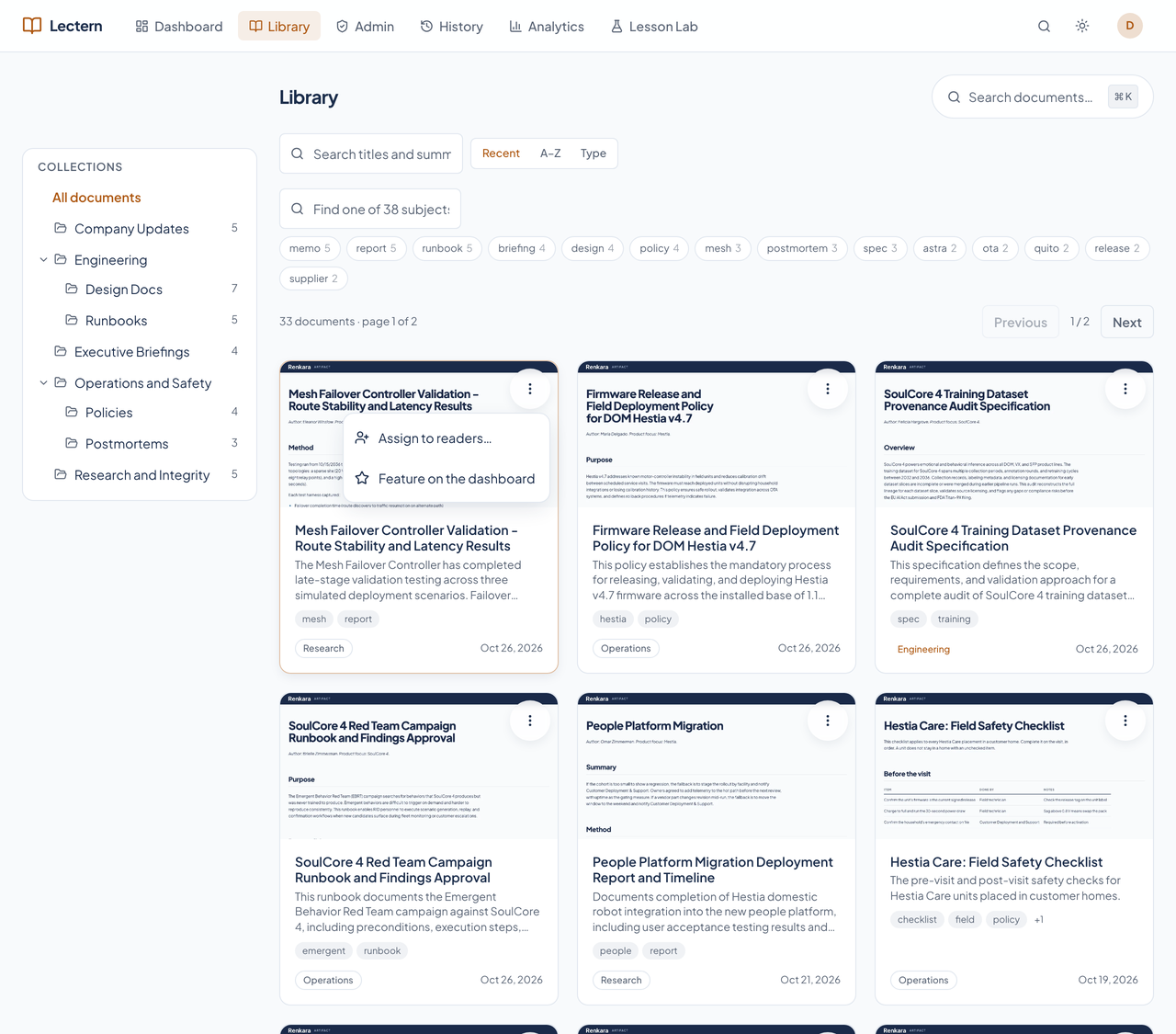
A nested collection tree sits beside the cards, and on a phone it becomes a drawer. Subject filters come from the documents' own tags, with the count for each. Sort by recent, A to Z, or type. Filtering and paging run on the server, so a large library stays quick.
Full text, not just titles.
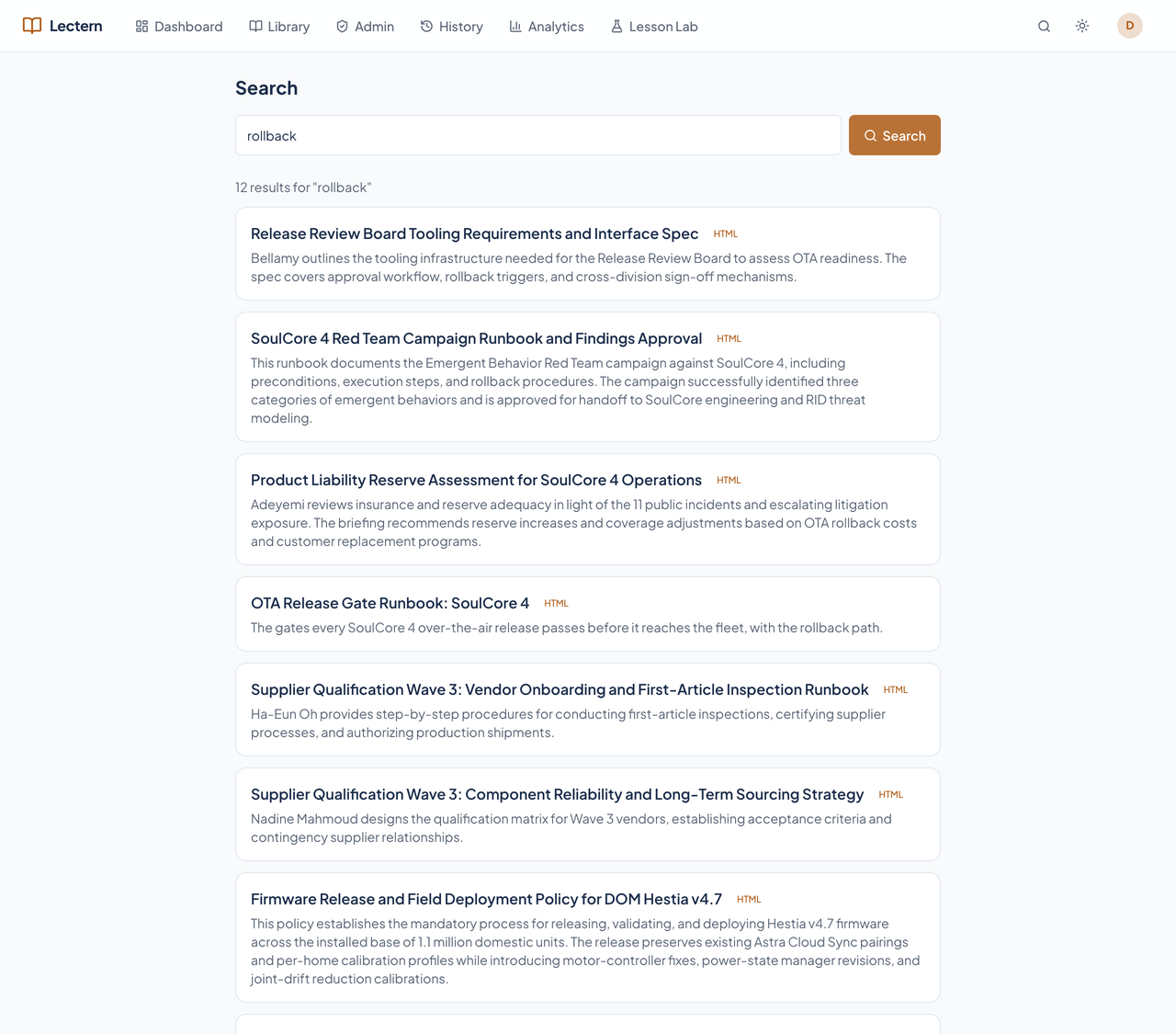
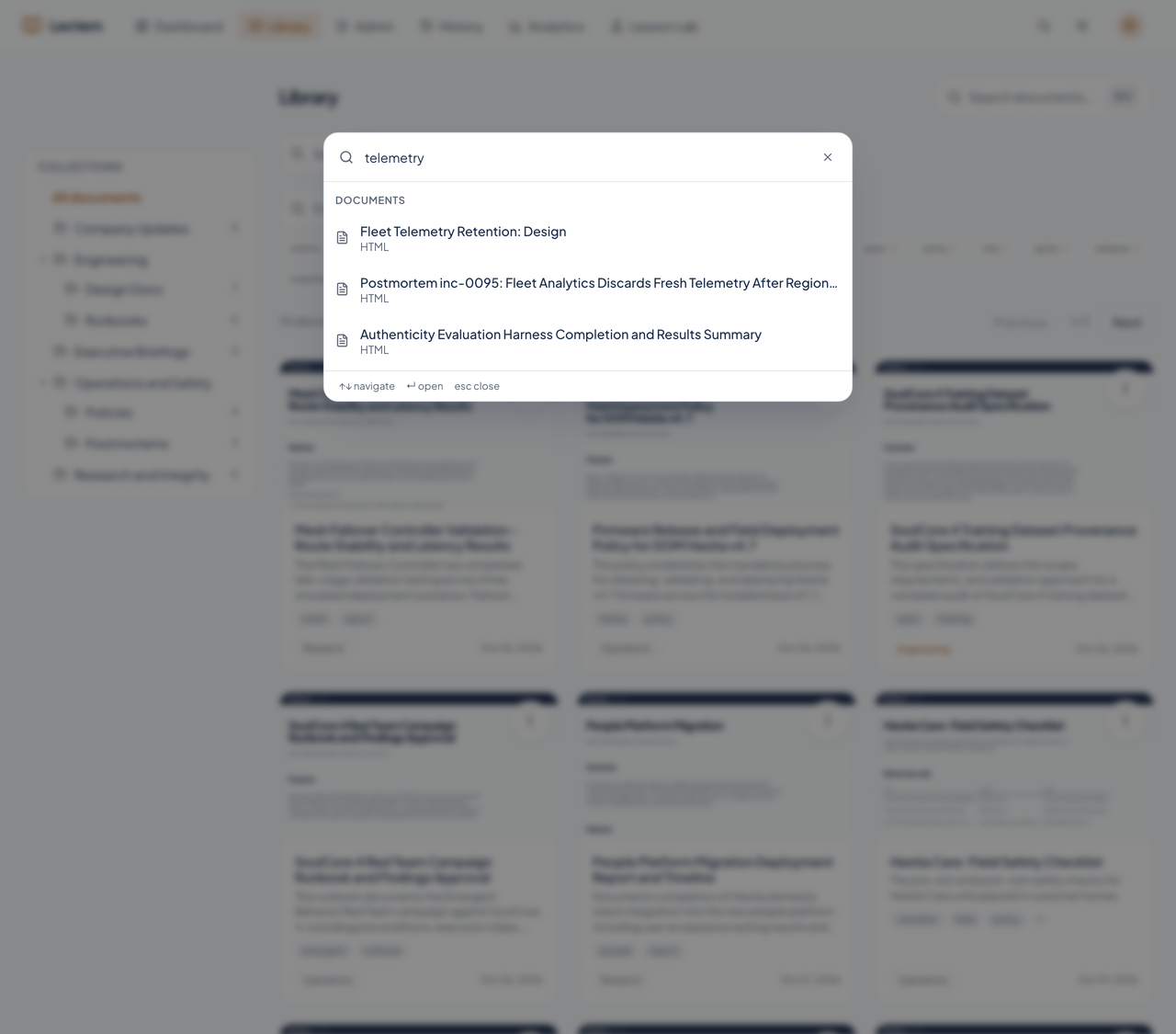
Search reads every visible document's title, tags, and extracted body text. Command-K opens a palette that jumps to a document by name from anywhere in the app.
The document, as published.
HTML artifacts and PDFs are shown exactly as they were published. Markdown is rendered once into Lectern's document template, with highlighted code and Mermaid diagrams, and the page follows your light or dark theme.
The viewer is a sandboxed frame: scripts inside a document can run, but they cannot reach your session or the app around them. A version picker opens any earlier version, Copy link gives a stable /d/ address, and Download returns the original.
Nothing in a document. A little in your own state.
No reader can edit, upload, or annotate a document, and no reader endpoint changes content. The only writes on the reader side are the reader's own interaction state, and each one is named in a test that fails if another appears.
| Reader action | Allowed | What it touches |
|---|---|---|
| Edit, upload, or annotate a document | No | Nothing: there is no control and no endpoint. |
| Mark an assignment read | Yes | Your own assignment row. |
| Remove a card from Recently opened | Yes | Your own list; the audit log keeps the read. |
| Keep a conversation with the assistant | Yes | Your own threads, invisible to every other reader. |